 Discord Bot
 Thread
Keeper
Protecting Your Threads.
This is a bot that keeps Discord threads visible in the channel list so they don't get archived.
How It Works
- Add to Server
Add to your server
Add the bot with the button.
-
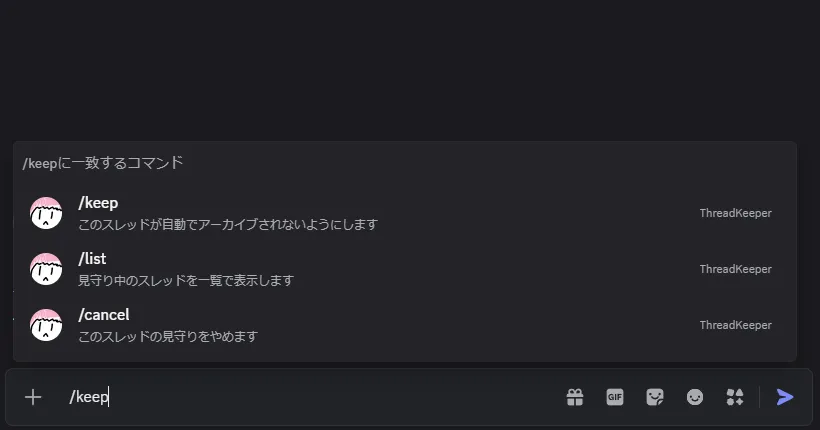
Run /keep
Run it inside the thread you want to keep.
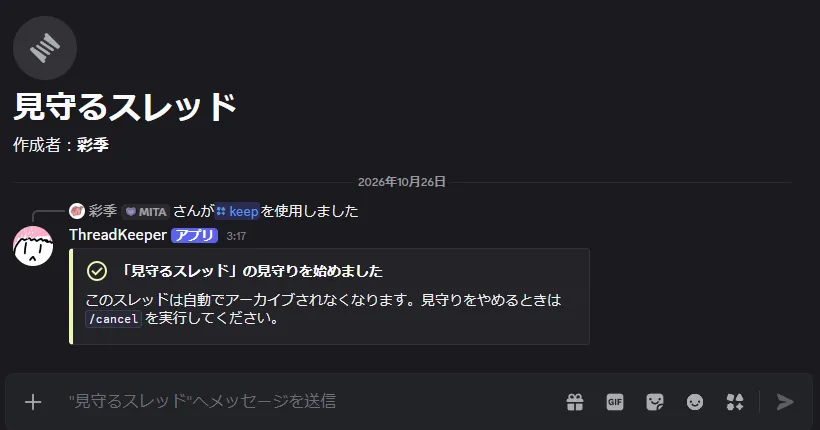
-
The End
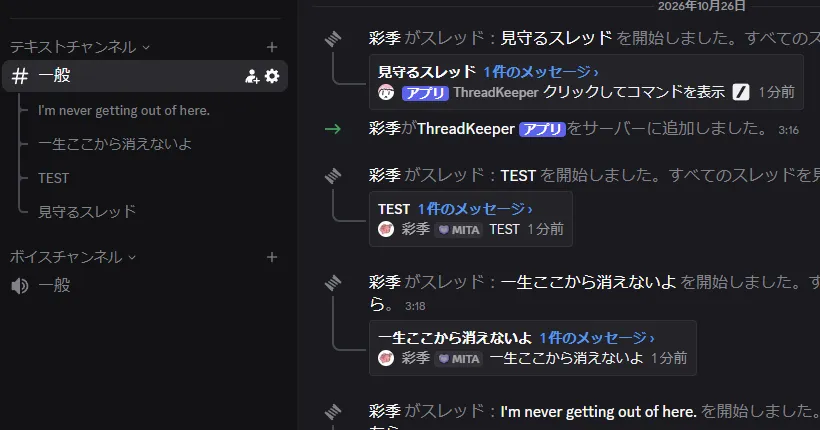
The thread stays in the channel list at all times.
- /keep
- Start keeping the thread
- /cancel
- Stop keeping the thread
- /list
- List the kept threads
Required Permissions
Bot Permissions
When you add the bot with the button, it joins your server with the following four permissions.
- View Channels
- To check the state of threads
- Manage Threads
- To keep threads visible in the channel list
- Send Messages in Threads
- To post a notice in a thread when someone archives it or changes its auto-archive duration
- Embed Links
- To post notices as embeds
Member Permissions
/keep, /cancel, and /list are available to members with the Manage Threads permission.